App doesn't have a URL Scheme? Use this workaround! [iOS]
Learn how to use a custom Shortcut to open apps that don't have a native URL scheme. This workaround ensures one sec can always redirect you back to your target app.
Last updated 7 months ago
Article Content:
To redirect you back to a target app after an intervention, one sec usually needs a "URL Scheme" (a specific link address for that app). While many apps have these, some don't.
But don't worry—there is a clever workaround using the Apple Shortcuts app!
Step 1: Create a "Bridge" Shortcut
First, we need a simple shortcut that does nothing but open your target app.
Open the Shortcuts app (Kurzbefehle) on your iPhone.
Create a new Shortcut (tap the + in the top right). Note: This is a Shortcut, not an Automation!
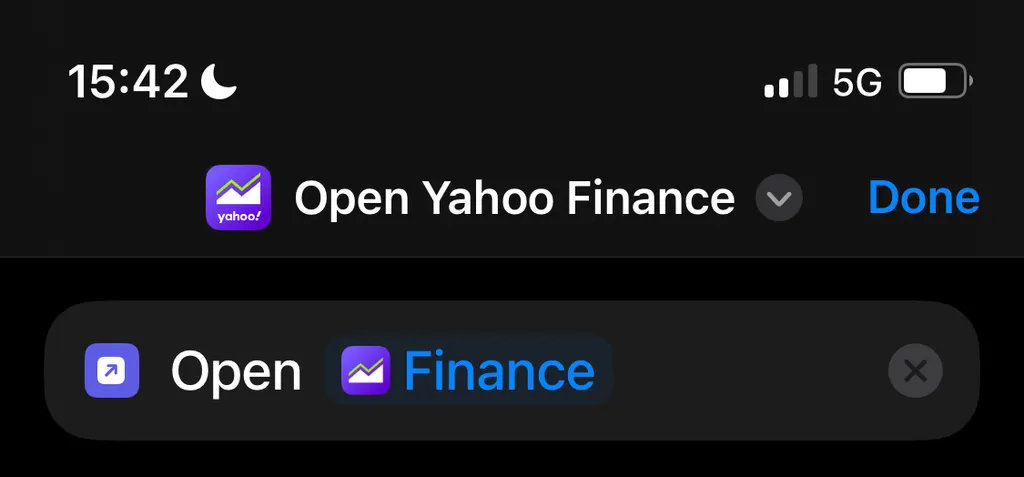
Add the action: Open App.
Select the app you want to use (e.g., Yahoo Finance).
Important: Give the Shortcut a clear name, like
Open Yahoo Finance.
Step 2: Configure one sec
Now, we tell one sec to trigger this specific shortcut instead of trying to open the app directly.
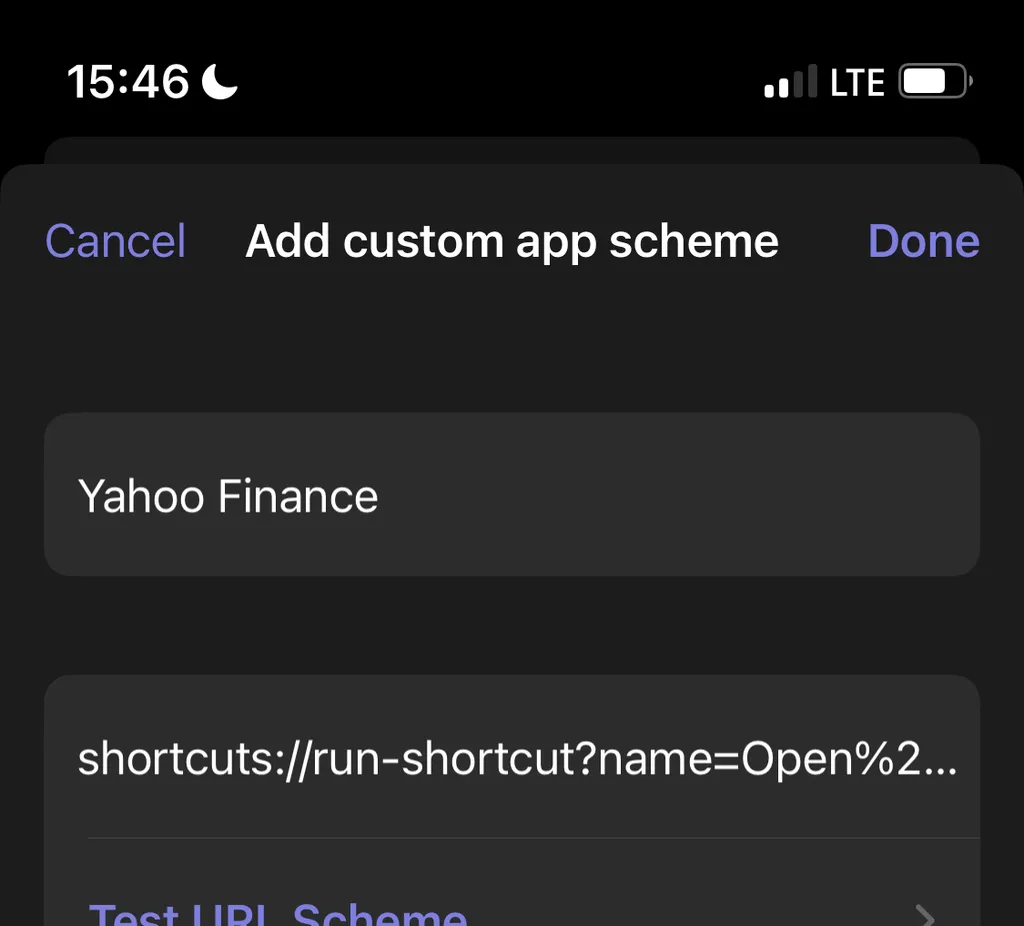
In one sec, proceed to add a custom app as you normally would.
When asked for the URL Scheme, use the official Shortcuts App scheme:
shortcuts://run-shortcut?name=Open%20Yahoo%20Finance
Step 3: The "Space" Trick
URL links cannot contain regular spaces. If your shortcut name has spaces, you must replace them with %20.
Example:
Shortcut Name:
Open Yahoo FinanceURL for one sec:
shortcuts://run-shortcut?name=Open%20Yahoo%20Finance
💡 Troubleshooting Tip
If the shortcut doesn't trigger, double-check that the name in the URL matches the name of your Shortcut exactly (including capitalization).
Was this helpful?
Still need help? Ask the team