Remove In-App Distractions (Reels, Shorts, …) [Android]
Learn how to block specific distracting features within apps, like Instagram Reels or YouTube Shorts, on your Android device using one sec.
Last updated 7 months ago
Article Content:
We are excited to offer a way to block specific distractions inside your favorite apps on Android—such as Instagram Reels and YouTube Shorts.
While you might still need to use these apps for productive reasons (like posting a photo or searching for a tutorial), you can now eliminate the "infinite scroll" trap of short-form videos.
💡 Note for iPhone users: if you use an iPhone, like myself, right now there’s unfortunately no way technically to build such a feature on iOS 🥺
How to set up In-App Distraction Blocking:
Open the one sec app on your Android device.
Navigate to Customize → Remove In-App Distractions.
Select the apps and specific distractions you’d like to block (e.g., YouTube Shorts or Instagram Reels).
Tap save.
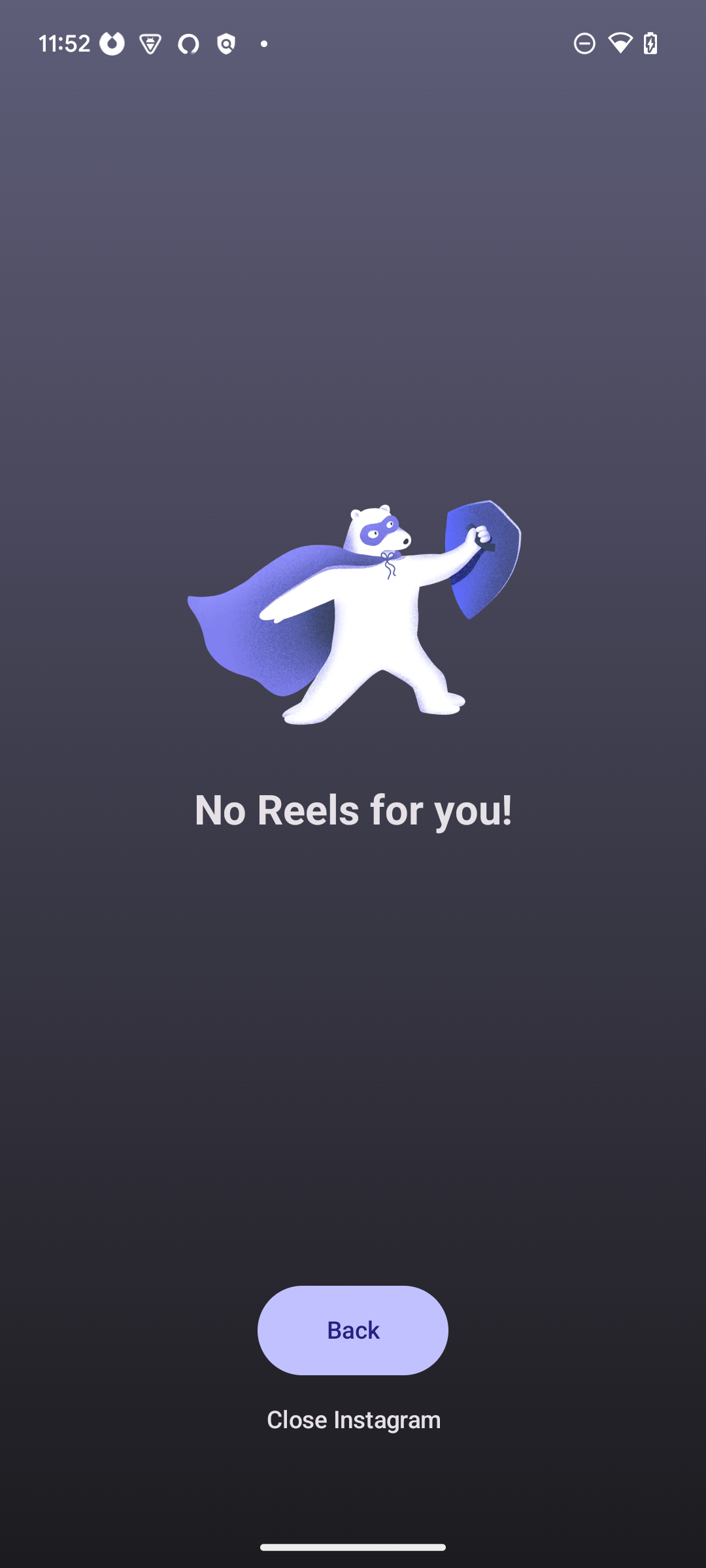
How it works:
Once configured, one sec will monitor when you try to access these specific sections within the apps. If you attempt to open Reels or Shorts, one sec will step in and prevent you from accessing them, while leaving the rest of the app functional.
Was this helpful?
Still need help? Ask the team