Intentional Website Switching [Browser]
Configure your one sec browser extension to allow intentional website switching, letting you temporarily leave and return to a blocked tab without a new intervention.
Last updated 7 months ago
Article Content:
Sometimes it’s necessary to briefly leave a configured website and quickly switch to another tab—for example, to check an email, a document, or a reference link.
The goal of one sec is not to disrupt your productive workflows. That is why you can set up a grace period that allows you to return to a intervened website without having to go through the exercise again.
How to set up Intentional Website Switching:
Click on the one sec icon in your browser's toolbar or extension menu.
Select Open Dashboard (or Configure Extension).
On the left side menu, select Customize.
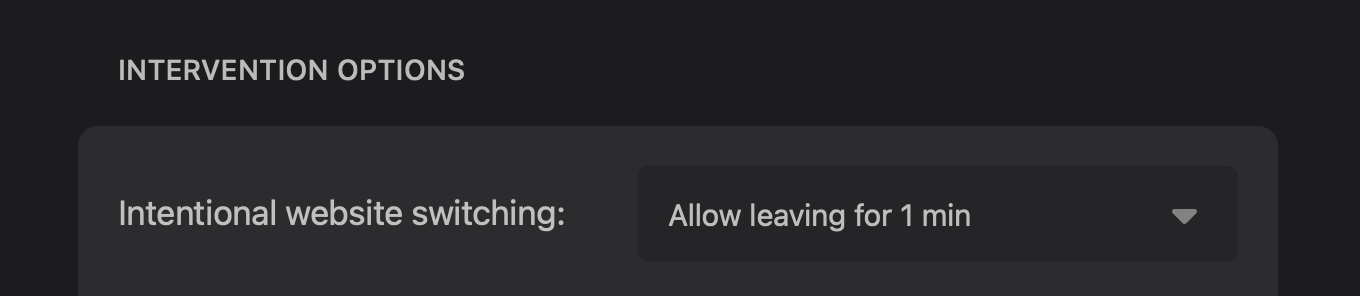
Find the option for Intentional Website Switching.
Select the time interval that it should be active for (e.g., "Allow leaving website for 1 min").
Now, if you briefly switch tabs and return within the selected timeframe, you won't be interrupted again.
Was this helpful?
Still need help? Ask the team