How can I change one sec’s language? [iOS]
Want to use one sec in your native language? Learn how to change the app's language settings on your iPhone or iPad.
Last updated 7 months ago
Article Content:
We want everyone to be able to benefit from one sec’s interventions. To make the experience as accessible as possible, we offer the app in a wide range of languages.
How to change the language on iOS
On iPhone and iPad, the app language is managed through the system settings rather than inside the app itself:
Open the iOS Settings app on your device.
Scroll down until you find one sec in the list of installed apps.
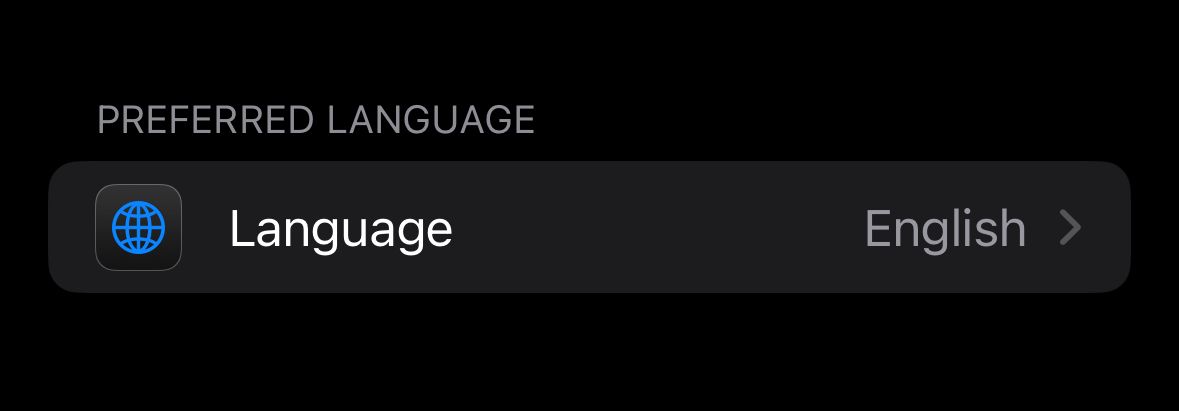
Tap on Language (under Preferred Language).
Select your preferred language from the list.
Translation wrong or missing?
Our goal is to provide high-quality translations for all our users. If you notice a translation error or if your language is missing and you would like to help us translate one sec, we would love to hear from you!
Was this helpful?
Still need help? Ask the team