Re-Intervention not working [iOS]
Are your one sec Re-Interventions failing to trigger? Follow this quick guide to reauthenticate Screen Time permissions and learn about known iOS 26 system glitches affecting this feature.
Last updated 7 months ago
Article Content:
If your Re-Interventions (the follow-up interventions after you've already unlocked an app) are no longer appearing, please try the following workaround to refresh the system connection.
The Solution: Reauthenticate Screen Time
We have built a specific tool within one sec to "nudge" Apple's Screen Time API when it stops responding correctly.
Open one sec.
Go to the Customize tab.
Scroll to the very bottom and select Advanced.
Tap on Screen Time Glitch.
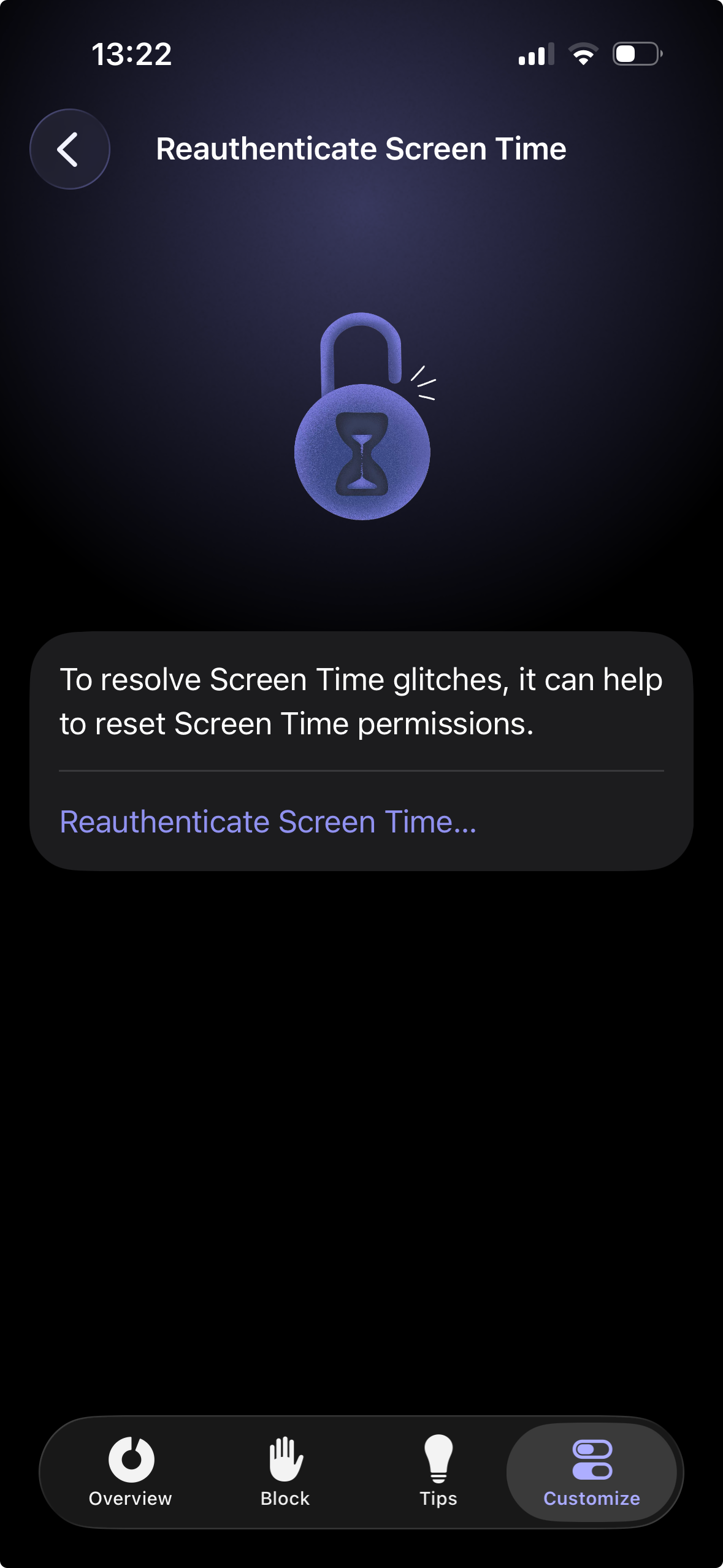
Select Reauthenticate Screen Time.
This process refreshes your permissions and usually brings Re-Interventions back to life immediately.
Why is this happening?
Unfortunately, Apple introduced several new glitches in the Screen Time API with iOS 26. We reported these issues early during the beta phase in June 2025 (Feedback ID: FB18061981), but as of now, they remain unresolved by Apple.
How you can help
If the reauthentication doesn't permanently fix the problem, the best course of action is to let Apple know that their system API is failing. The more users report this, the higher the chance of a fix in a future iOS update.
Was this helpful?
Still need help? Ask the team